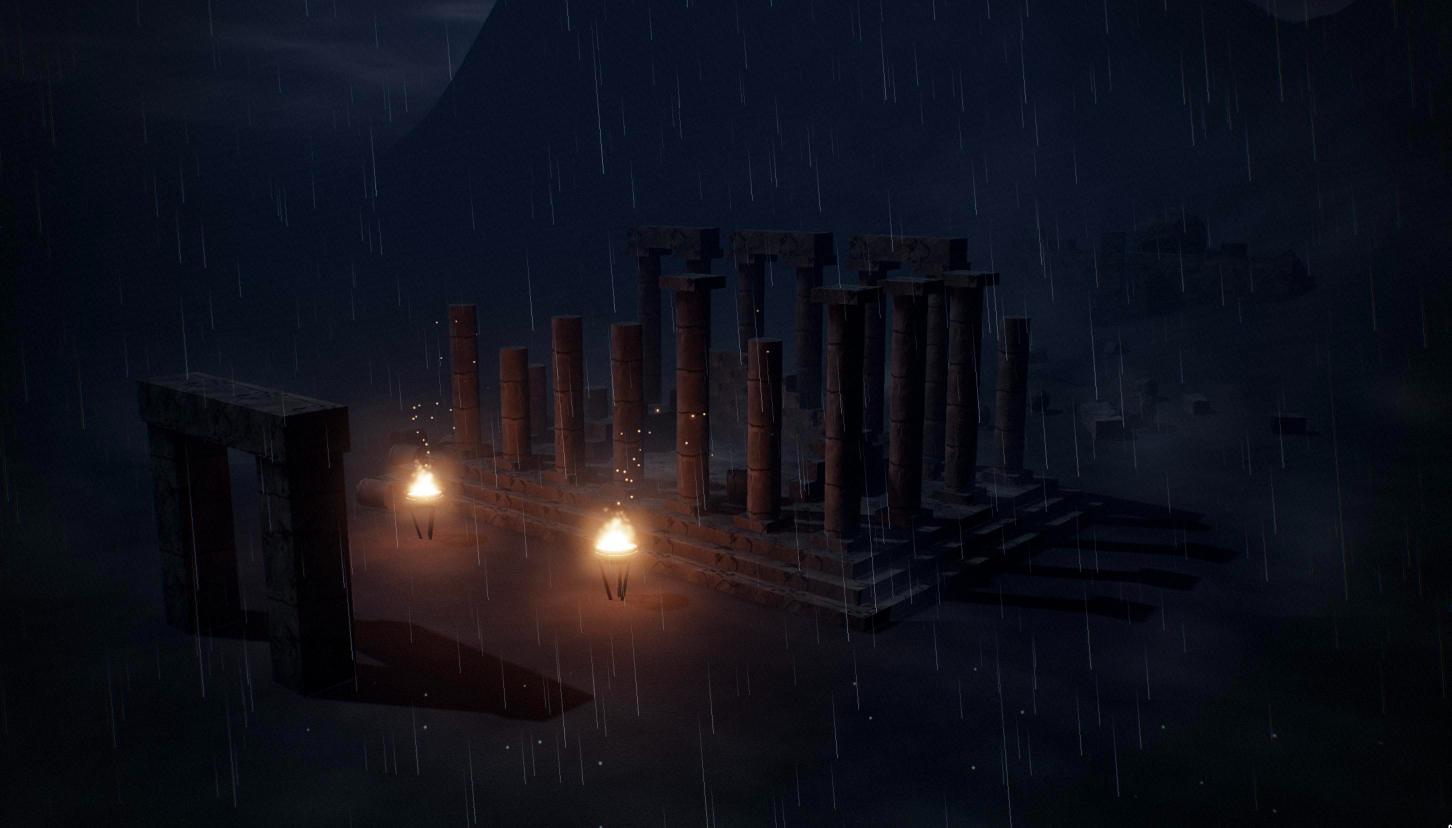
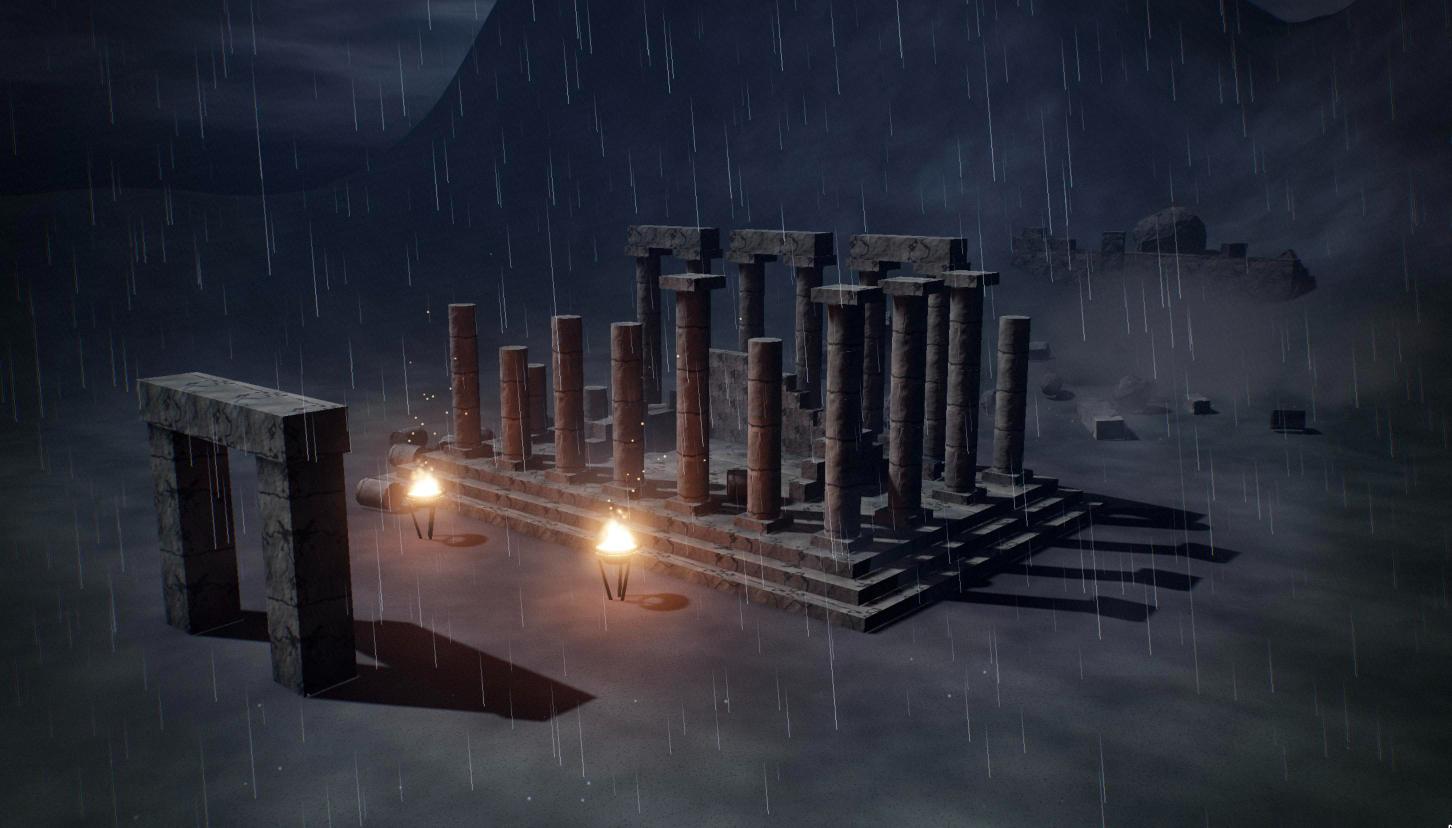
Two tools, one scene
What is slow to compute is prepared in Blender ahead of time. What has to react to you is computed live in the browser. The scene is the meeting point of the two.
Prepared in Blender
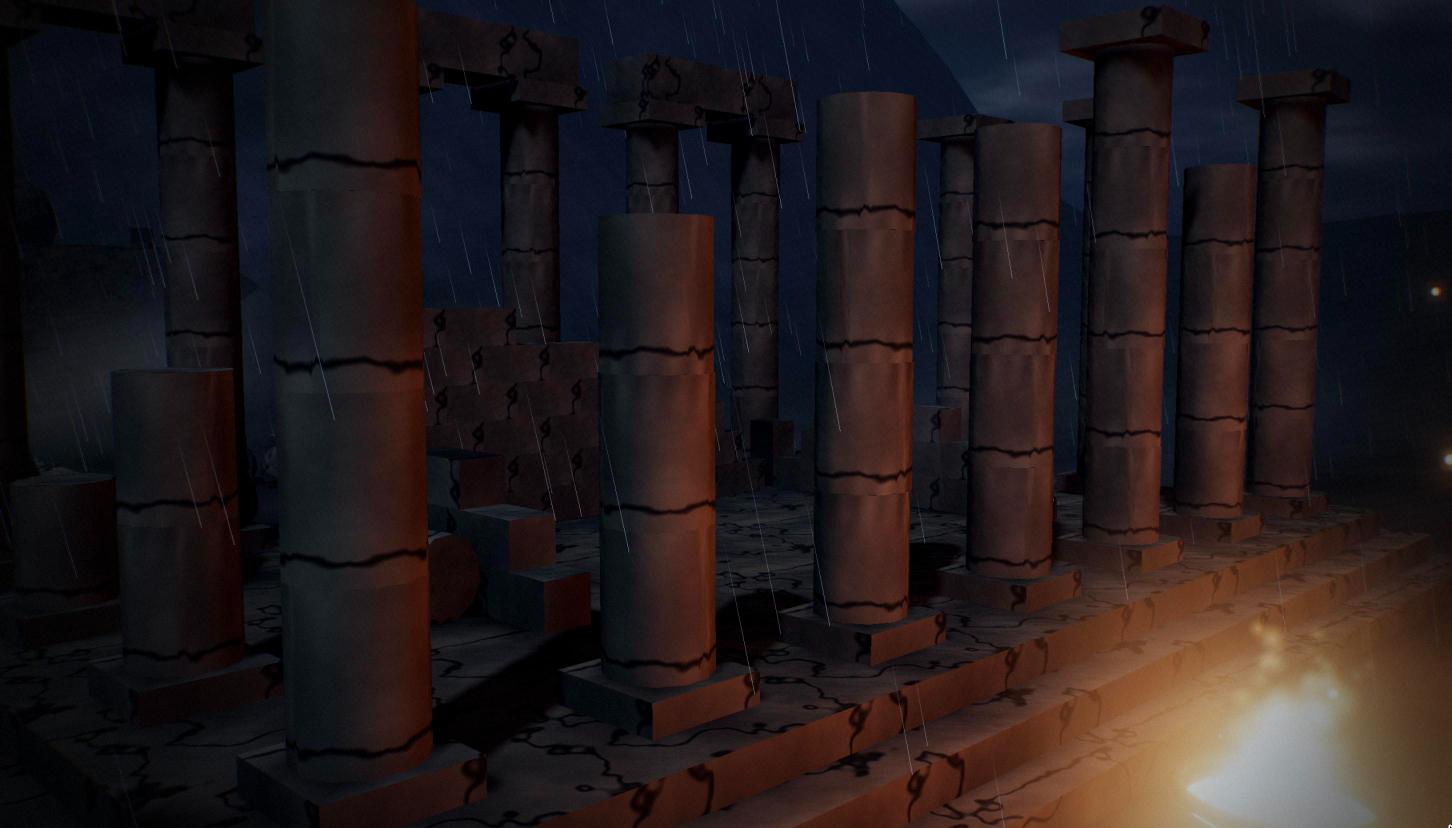
The valley, the temple and its 190 stones are generated by a script, then Blender bakes how light gets trapped in corners and joints. That work takes seconds there, and would cost far too much to redo sixty times a second in a browser.
Alive in the browser
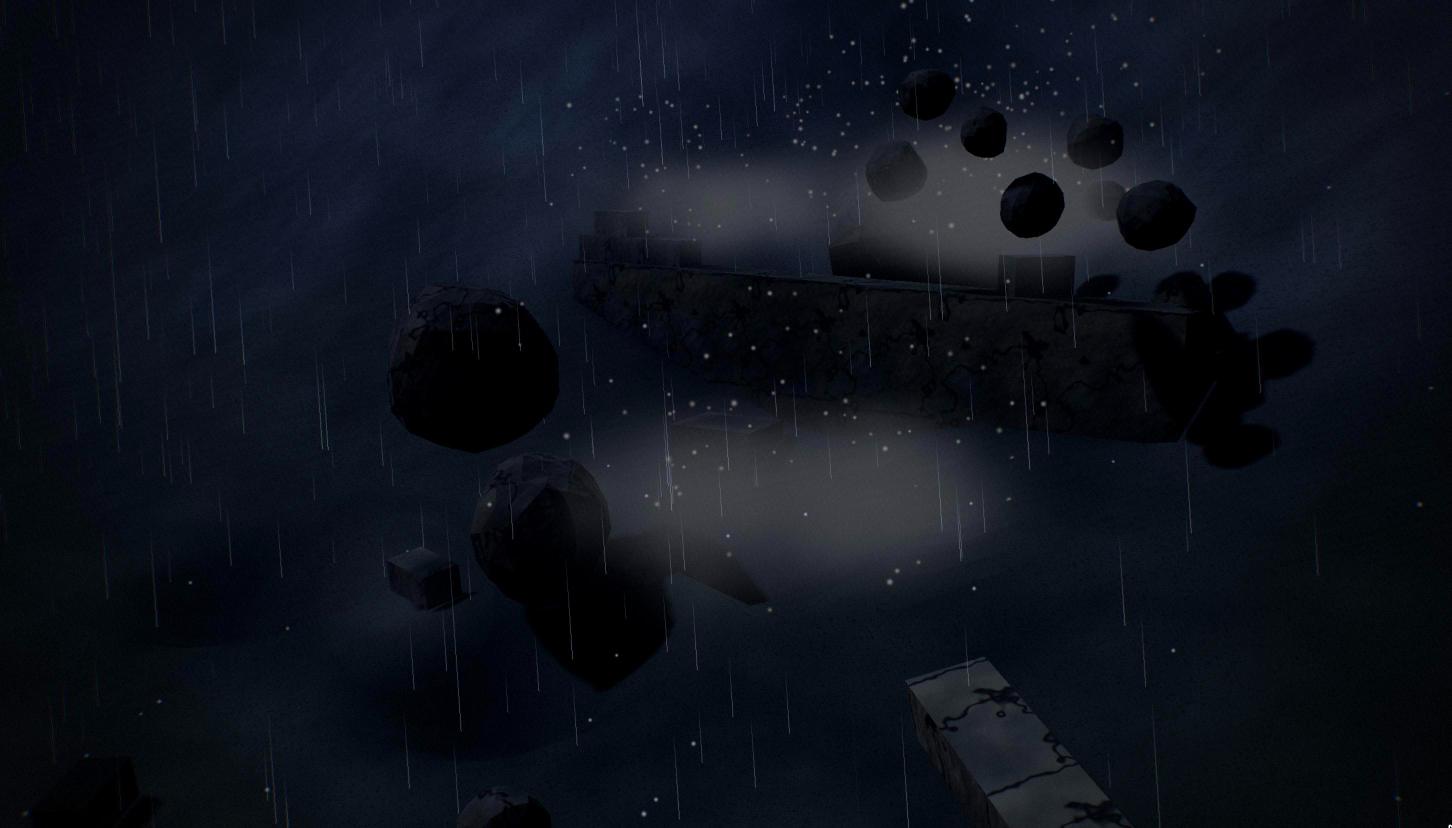
Every drum, block and beam is a physical object. Boulders roll down the gully, dig craters into the ground, and break apart on impact. Drop your own with a double-click, or call down lightning on the temple.
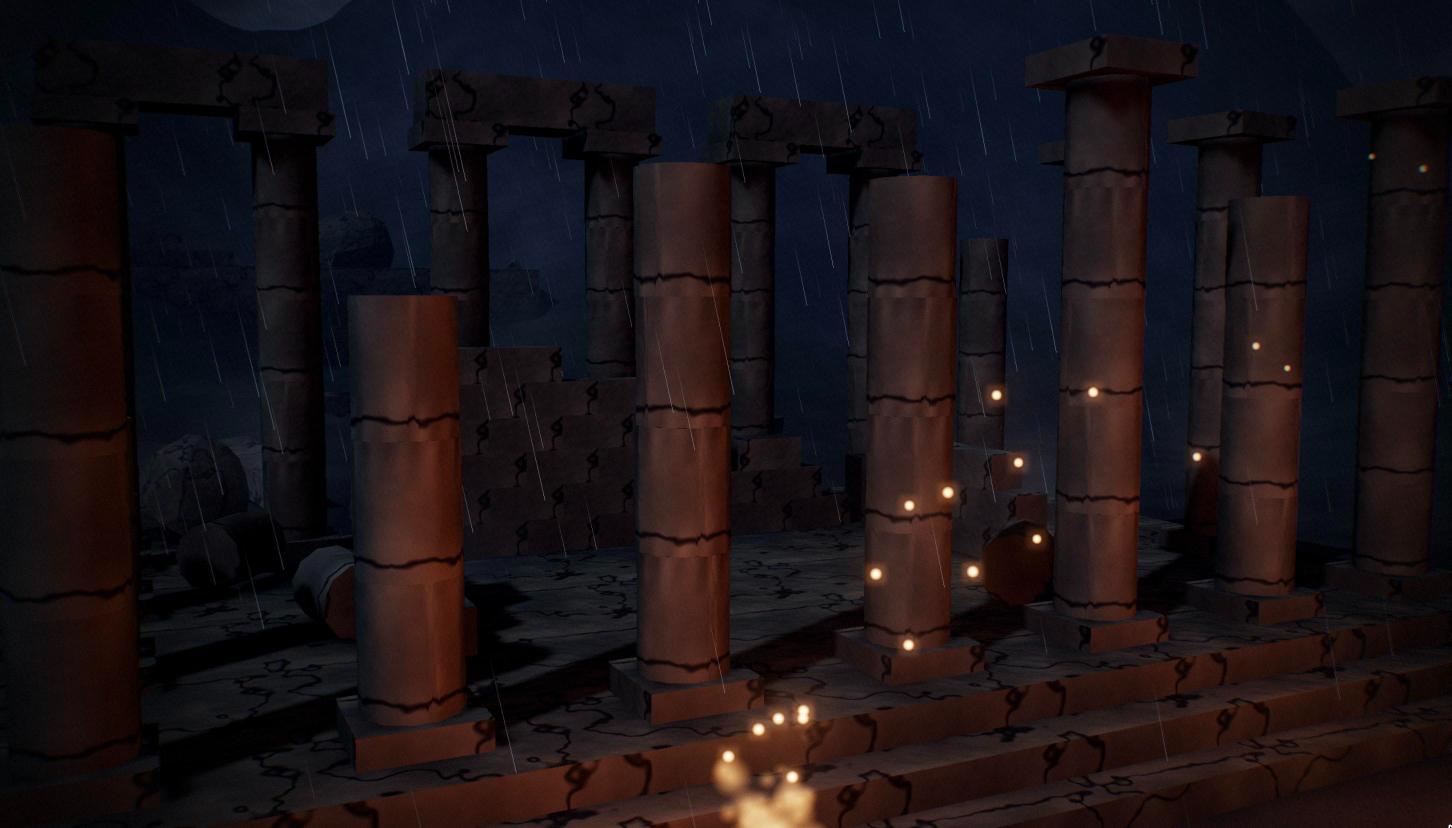
Shaped by the storm
Rain, wind, mist, fire and thunder are what make the place feel inhabited. They are also where most of the upcoming work goes: real lightning, rain that catches the firelight, and stone that looks wet.
From script to storm
Each version is rebuilt the same way, so any step can be revisited.
Describe
A Python script lays out the terrain and every stone of the ruins.
Build and bake
Blender builds the scene and bakes its lighting into it.
Package
The scene is exported and sealed into a single web page.
Play
three.js renders it and Rapier runs the physics, live, in your browser.
One improvement at a time
The scene improves in nine steps. Each one is kept as its own version, so you can open any of them and compare it with the one before.
Inside the scene
Each version opens with a short flythrough, then hands you the camera. You need a recent desktop browser and an internet connection.
- Drag, scroll
- Orbit around the temple and zoom
- Double-click
- Drop a boulder from the sky
- B
- Release boulders from the hilltop
- L
- Call a lightning strike
- T
- Strike the temple
- R
- Restore the ruins
- Esc
- Skip the flythrough